
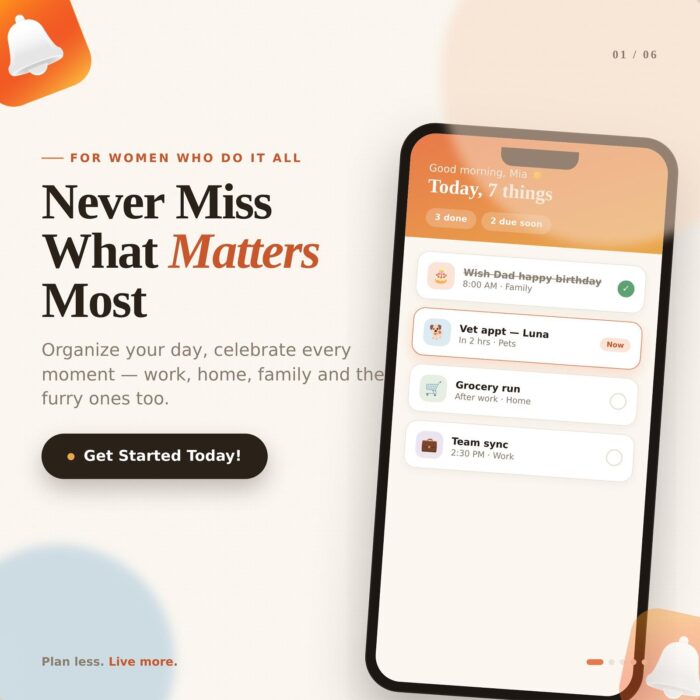
A reminder list with forty items in it is not a plan. It is a source of low-grade anxiety, because every time you open it you are reading a work deadline, a vet appointment and a birthday in the same breath.
Reminda solves that with life area classification. Every reminder is filed under a part of your life, which means the app can show you one slice at a time instead of everything at once.
The ten built-in life areas
Reminda ships with ten categories that cover most of what people actually track, plus the option to create your own:
- Personal: admin, errands, and the small commitments that belong to nobody else
- Work: deliverables, follow-ups, and the promises you made in meetings
- Family: school dates, family events, and everything shared at home
- Study: coursework, revision blocks, exams and applications
- Health: appointments, medication, exercise and check-ups
- Pets: feeding schedules, vaccinations, grooming and vet visits
- Shopping: recurring runs and the things you always forget once you are in the shop
- Finance: bills, renewals, invoices, tax dates and subscriptions
- Travel: documents, bookings, packing and pre-departure checks
- Custom categories: side projects, volunteering, a house move, or anything else that deserves its own lane
Why filtering beats a single long list
Categories are useful because attention is contextual. On a Tuesday morning you want to see Work and nothing else. On Sunday evening you want Family and Shopping. Before a trip, you want Travel front and center and everything else out of sight.
Life areas make that possible. Combined with priority levels, they also make triage fast: filter to Finance, sort by high priority, and you can see in five seconds whether anything is about to cost you money.
How many categories should you actually use?
Fewer than you think. The most common mistake is building an elaborate taxonomy on day one, then abandoning it because filing each reminder takes longer than doing the task.
Start with three or four areas that reflect where your time genuinely goes. Add a fifth only when you notice yourself hesitating over which existing category something belongs to. Custom categories work best for temporary, high-volume projects: a wedding, a house renovation, a certification course. When the project ends, the category retires with it.
A quick weekly review, powered by categories
Once your reminders are categorized, a genuinely useful weekly review takes about ten minutes. Open one life area at a time and ask three questions: what is overdue and still matters, what is high priority for the coming week, and what has been sitting untouched long enough that it should be deleted rather than snoozed again.
Reviewing area by area is what makes this bearable. Reviewing one undifferentiated list of forty items is what makes people quit reviews altogether.
| CALL TO ACTIONOpen Reminda, pick your three busiest life areas, and file this week’s reminders into them. The clarity is immediate. |
Leave a Reply